
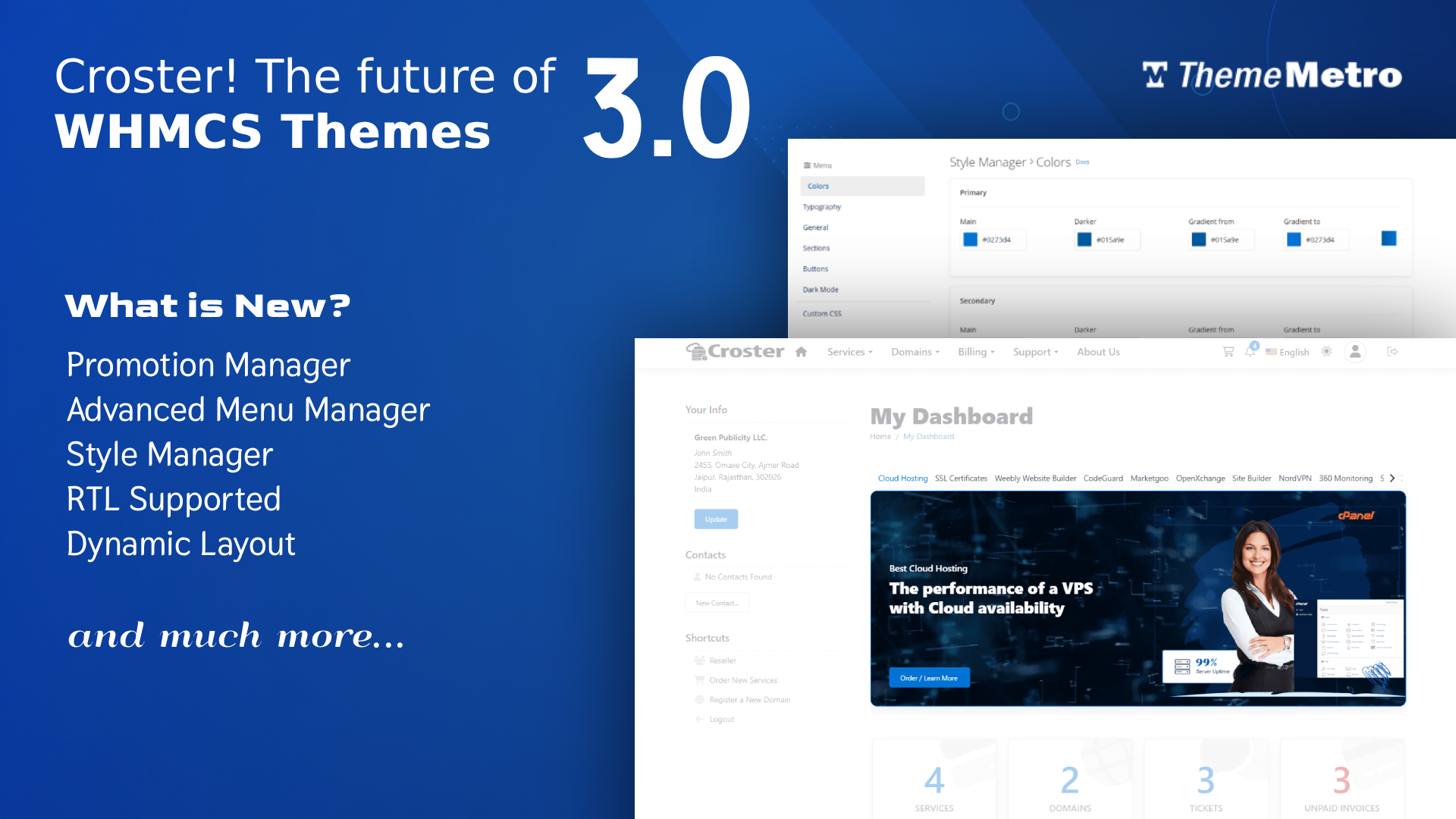
We're excited to announce that Croster v3.0 is now available — a major update introducing powerful new features, expanded customization options, and greater flexibility across your website, client area, and order flow.
What's New in 3.0?
Croster v3.0 introduces powerful new tools for promotions, navigation, branding, and client experience. This release gives you more control over your website, client area, and ordering process while improving flexibility and usability across the platform.
Create unlimited promotional banners and display them throughout the Client Area, including the Homepage, Products & Services, Product Details, and Domains pages. Schedule campaigns with start and end dates, and use Advanced Restrictions to target promotions based on specific products and addons owned by your clients.
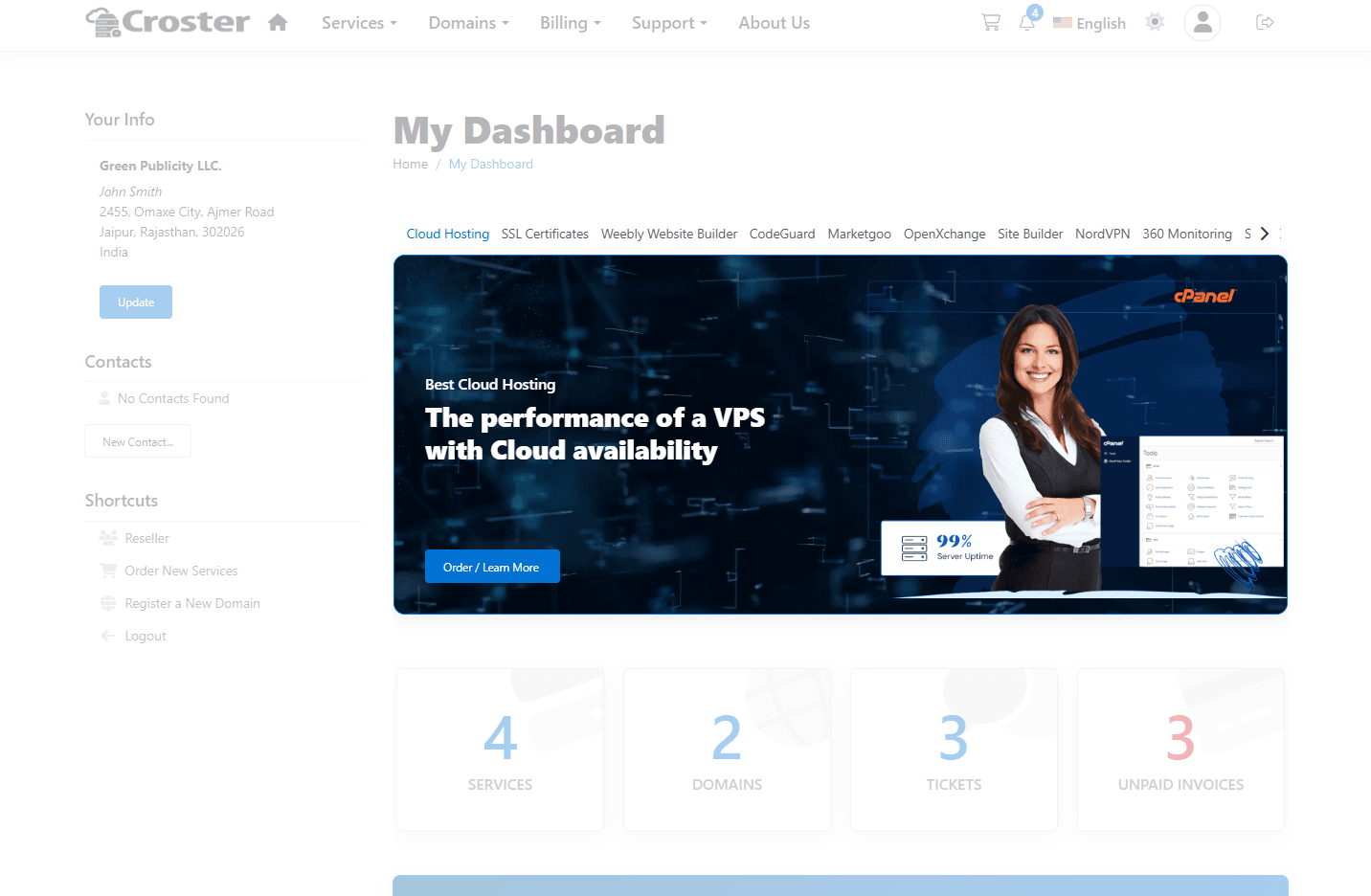
Create multiple menu groups and display them based on location and user type, including Website, Order Form, Client Area, Existing Clients, and Guest Visitors.
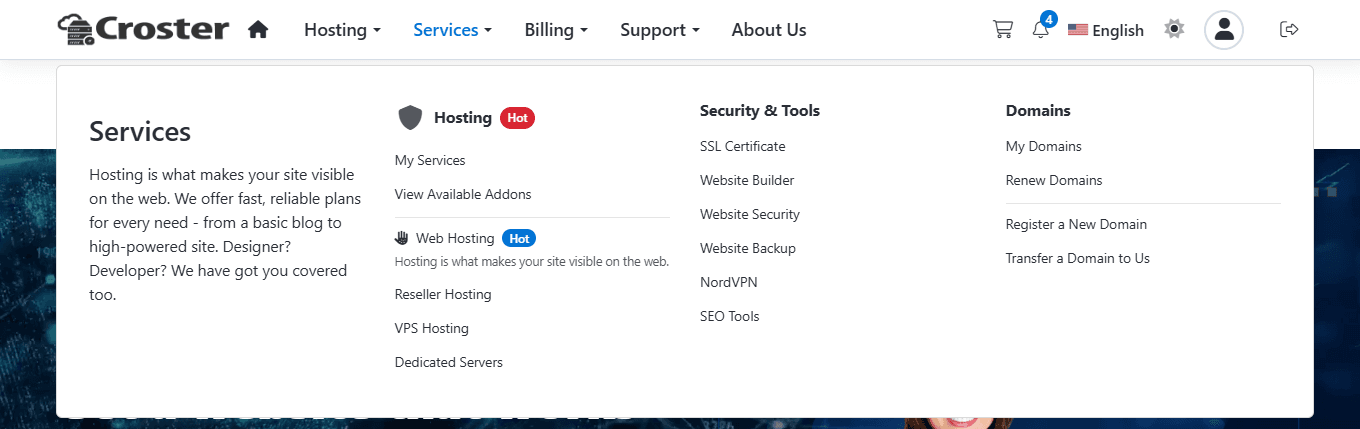
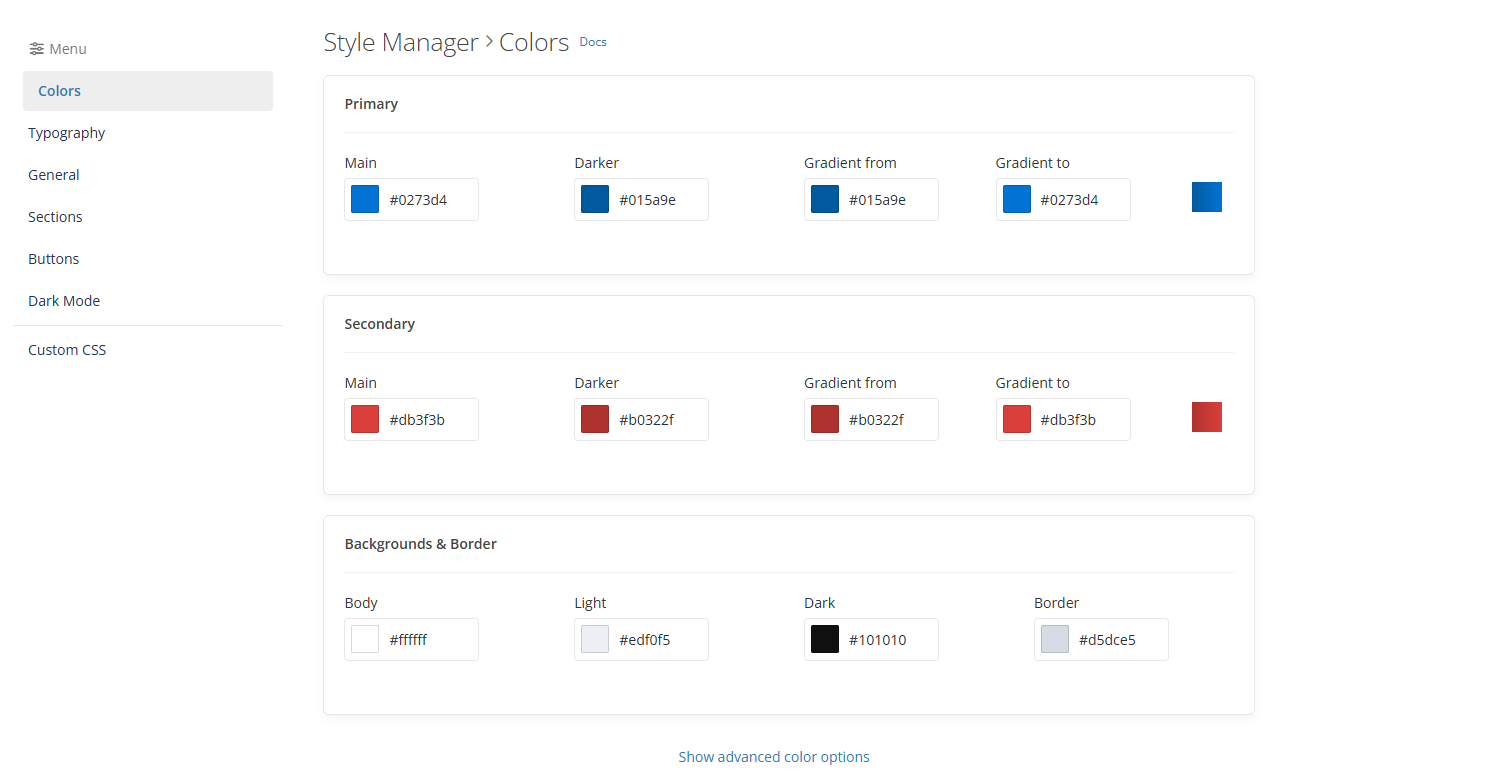
Completely redesigned and more powerful than ever, giving you greater control over colors, styling, and branding across your entire website.
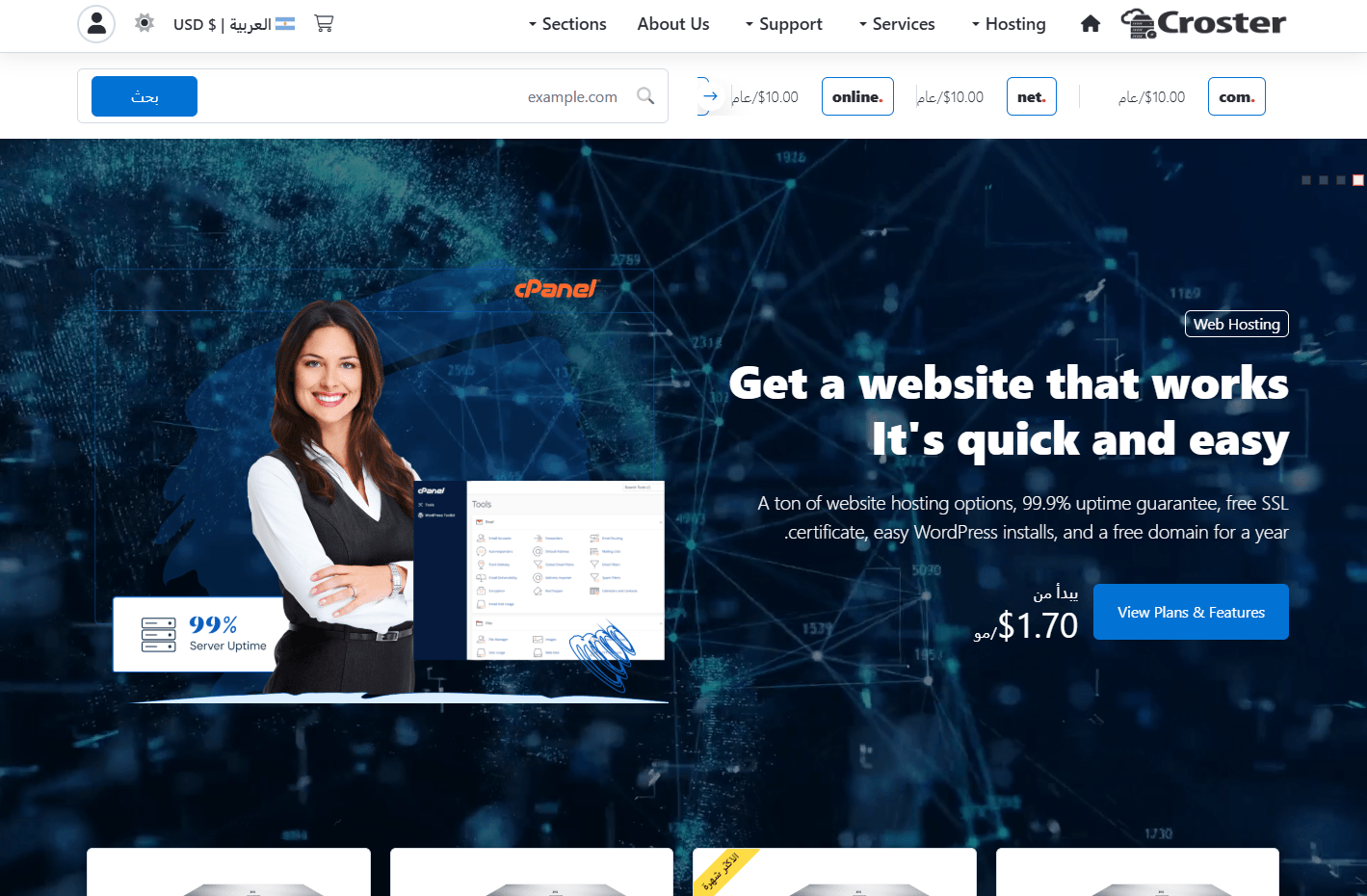
Full RTL Support
Seamless right-to-left (RTL) language support across the entire theme. The RTL layout is automatically enabled whenever a supported RTL language is selected.
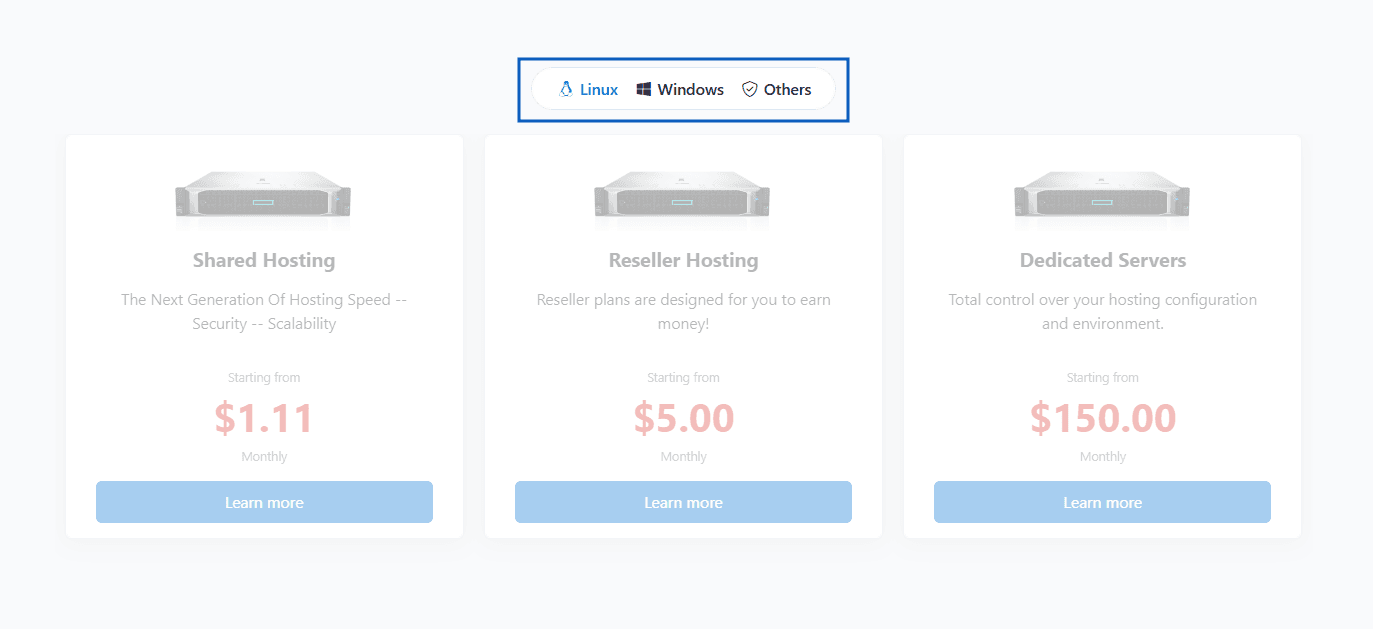
Organize content with tabs in Features, Statistics, FAQs, Gallery, Products, and Product Group sections.
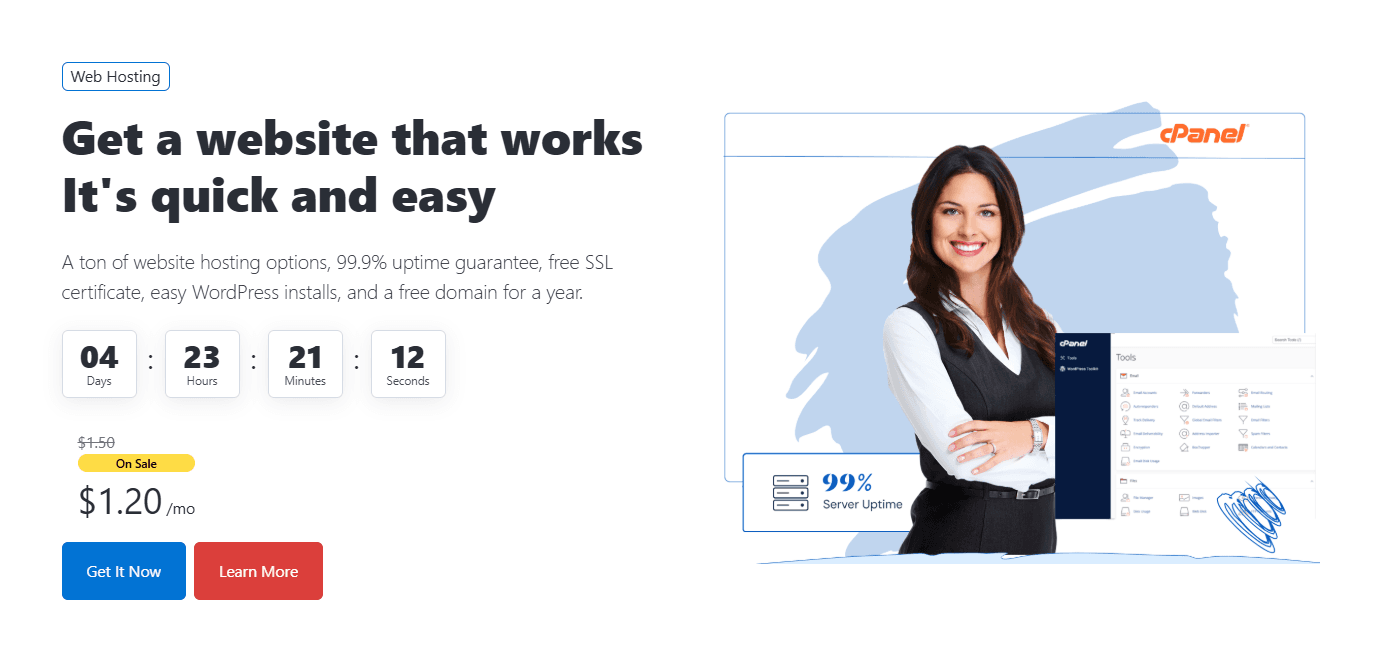
Promotion Timer & Coupon Code Integration
Add countdown timers to the Banner section to create urgency and boost conversions and display and coupon codes directly within the Banner and Products sections.
Automatically switch between dedicated layouts for public pages and the client portal, delivering a more optimized and intuitive user experience.
New sections for Testimonials, Team Members, and News & Articles, with expanded customization options.
In addition to these major features, Croster v3.0 includes numerous enhancements, performance optimizations, bug fixes, and usability improvements designed to deliver a smoother experience for both administrators and clients.
New Documentation
We've also completely redesigned our documentation with improved navigation, updated guides, and detailed feature references to help you get the most out of Croster.
Explore All New Features in Croster v3.0
Thank you for being part of the Croster community.
What do you think?
Responses
Comments (0)
No comments yet. Be the first to comment!