
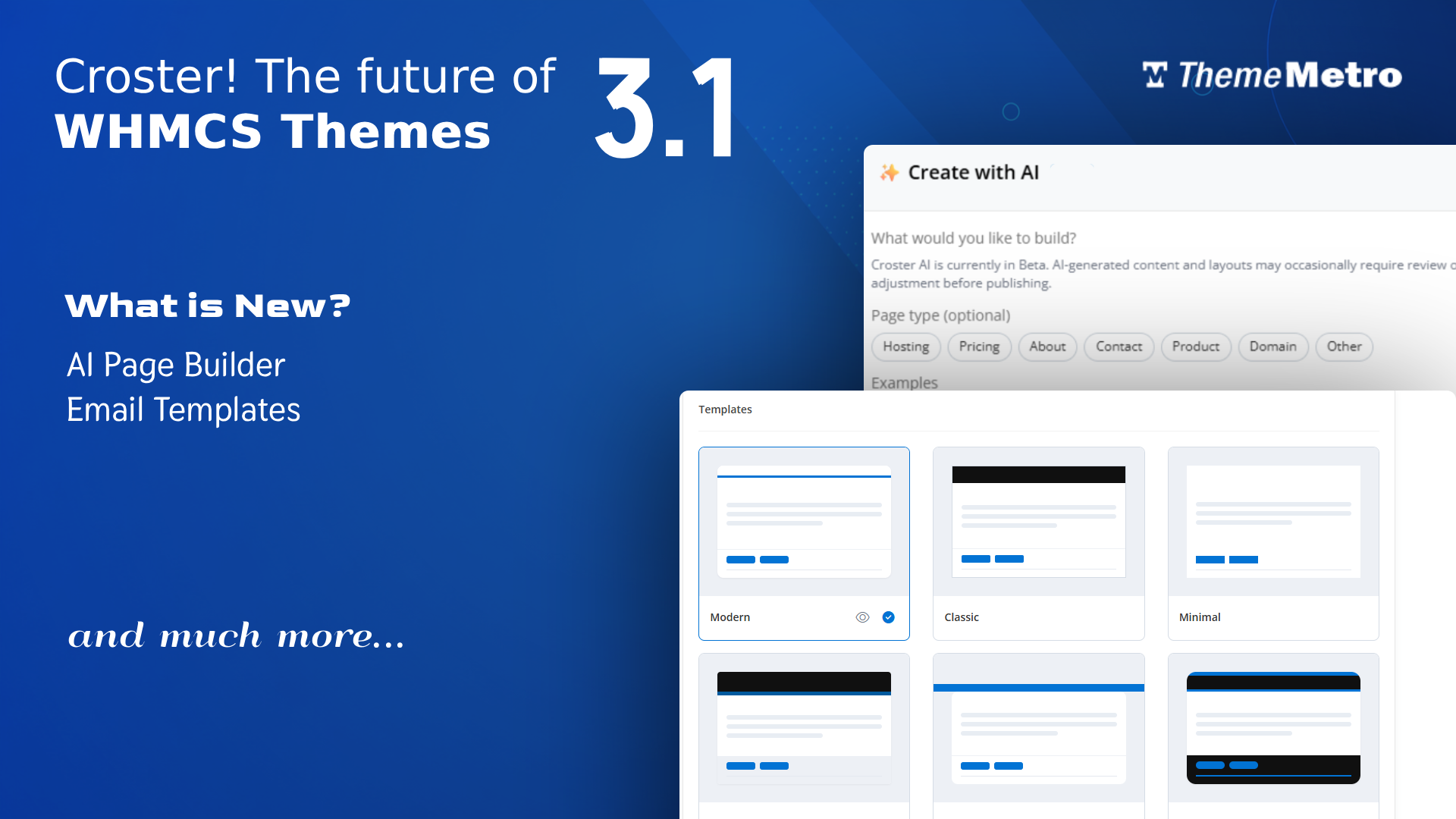
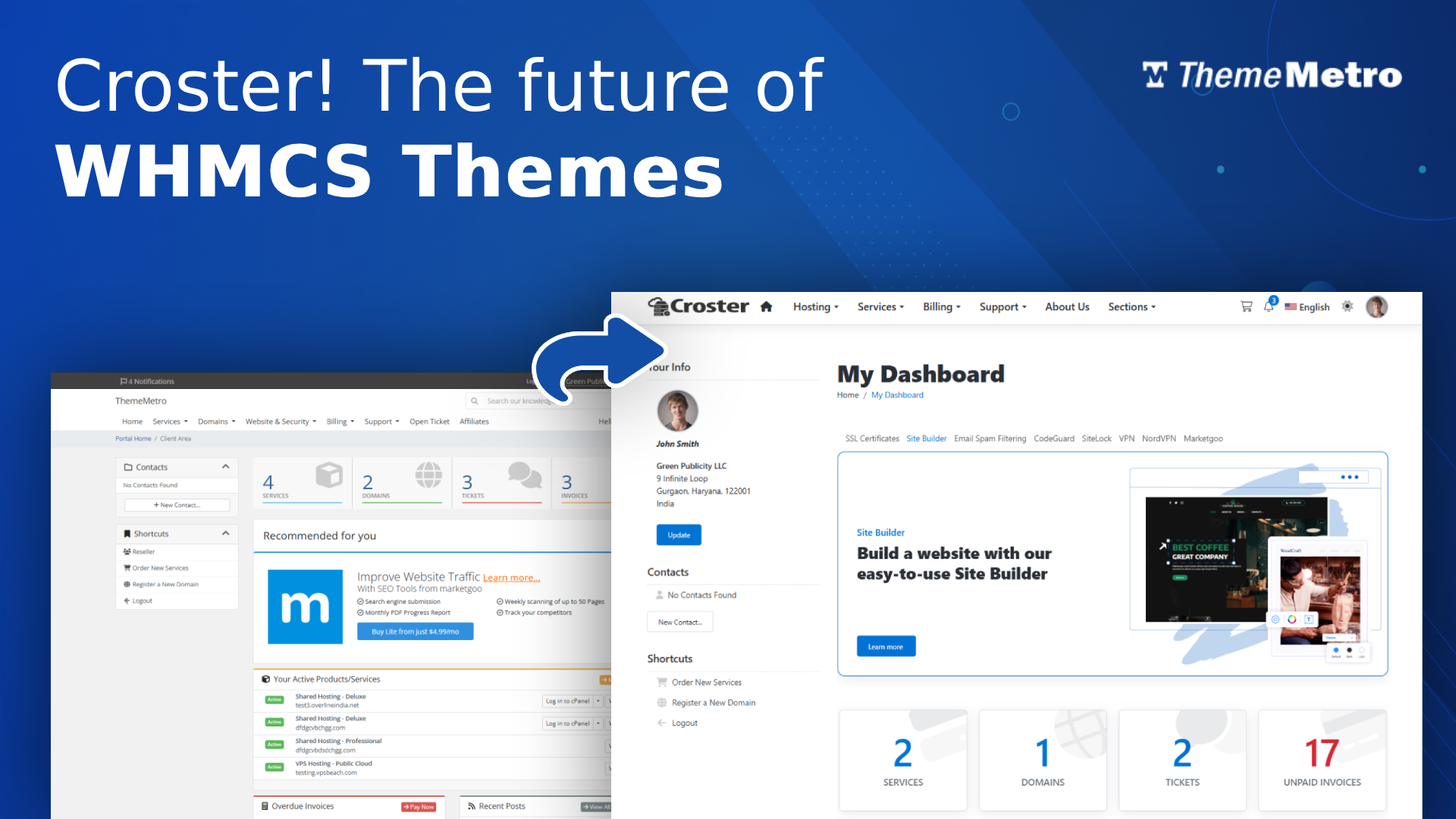
Are you tired of using the WHMCS default theme and worried about WHMCS's rising prices?
The default WHMCS client area is not bad, but your client area looks very basic and similar to other web hosting providers, without any advanced tools and features and has some limiations:
- Basic design and layout
- Customization requires coding knowledge
- No additional marketing tools
Croster theme is the solution to all of your puzzles, and that too in just a few minutes without any downtime. You're just a few steps away from getting an advanced, responsive, and modern look WHMCS Client area.
What are the steps?
- Log in to your client area and download Croster theme.
- Unzip and Upload the entire folders and files in to your WHMCS root directory, which are available in 'upload' folder - if you experience problems, try uploading in binary mode.
- Go to Page Manager and unpublish all pre-installed pages.
- Go to Menu Manager and disable the menu items that link to those additional pages.
- Test Croster and its default order form on temporary URL.
- Now select the Croster template from System Settings → General Settings → System Theme and Croster Default order form from System Settings → General Settings → Ordering → Default Order Form Template.
That's all. Congratulations! Your WHMCS Client area is now more advanced, feature-rich, and modern.
Now you can play around with all the advanced features using the configuration of the Croster theme as per your requirements and choice.
Oh, one more thing. If you have purchased the theme along with a WHMCS license, you just need to change the license key in the WHMCS admin. Yes, you have lowered the monthly cost of WHMCS.
Will My Existing WHMCS Addons Continue to Work?
Most addons and modules supported by the WHMCS Twenty One and Nexus template and the latest stable WHMCS version should work correctly.
Due to the large number of third-party addons, we cannot test each one individually. If you encounter any issues, please open a support ticket. We will do our best to assist, but some cases may require cooperation from the addon vendor.
What do you think?
Responses

Comments (0)
No comments yet. Be the first to comment!